Why speed matters
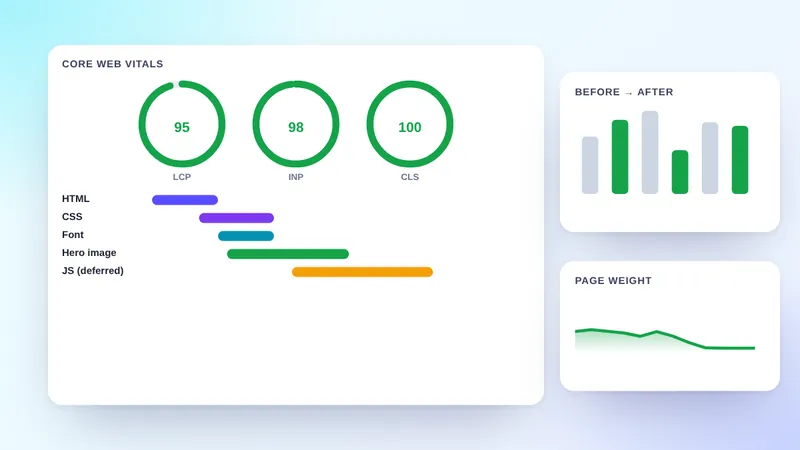
Faster pages keep visitors engaged, convert better and support search visibility. Google's Core Web Vitals focus on three user-centred measures: how quickly the main content appears, how quickly the page responds to input, and whether the layout stays stable. This article is part of our website development guide.
Measure before you optimize
Use field data (real users) where available, such as the Chrome UX Report shown in PageSpeed Insights and Search Console, and lab tools such as Lighthouse to diagnose causes. Test on a mid-range mobile device and a throttled connection — not just a fast laptop.
Improve LCP (loading)
- Serve images in AVIF or WebP at the right size with
srcset. - Don't lazy-load the main hero image; preload it instead.
- Reduce render-blocking CSS and defer non-critical JavaScript.
- Use a CDN and caching; improve server response time.
- Self-host fonts and use
font-display: swap.
Improve INP (responsiveness)
- Ship less JavaScript and remove unused libraries.
- Break up long tasks and avoid heavy work in event handlers.
- Audit third-party scripts — chat widgets, tag managers and trackers are common culprits.
Improve CLS (visual stability)
- Always set
widthandheight(or aspect-ratio) on images and embeds. - Reserve space for banners and ads.
- Animate with
transformandopacityrather than layout properties.
Platform-specific tips
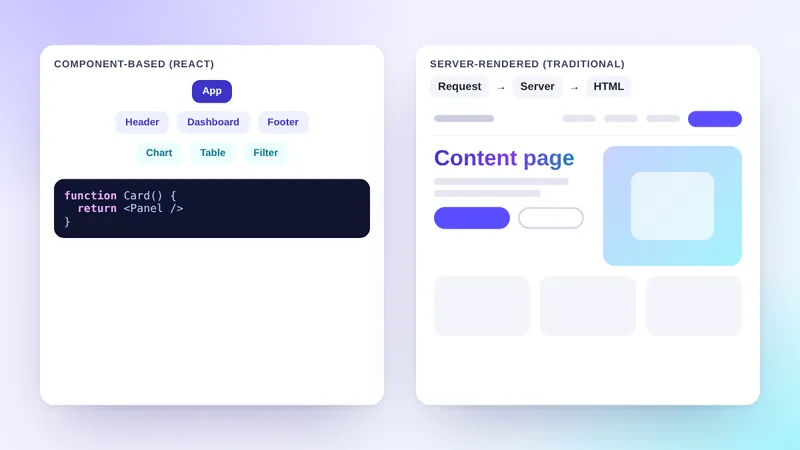
On WordPress, limit plugins and avoid heavy page builders. On Shopify, audit apps and remove leftover app code. On JavaScript frameworks, prefer server rendering and code-splitting. If you'd like a professional audit, our website optimization service can help.